
First-aid information
Follow clear step-by-step guidance for common emergencies so you can focus on the next action instead of searching for answers.
Be prepared before an emergency happens. Keep emergency numbers, offline GPS coordinates, first-aid guidance, medical information and emergency contacts together in one app — ready when every second matters.

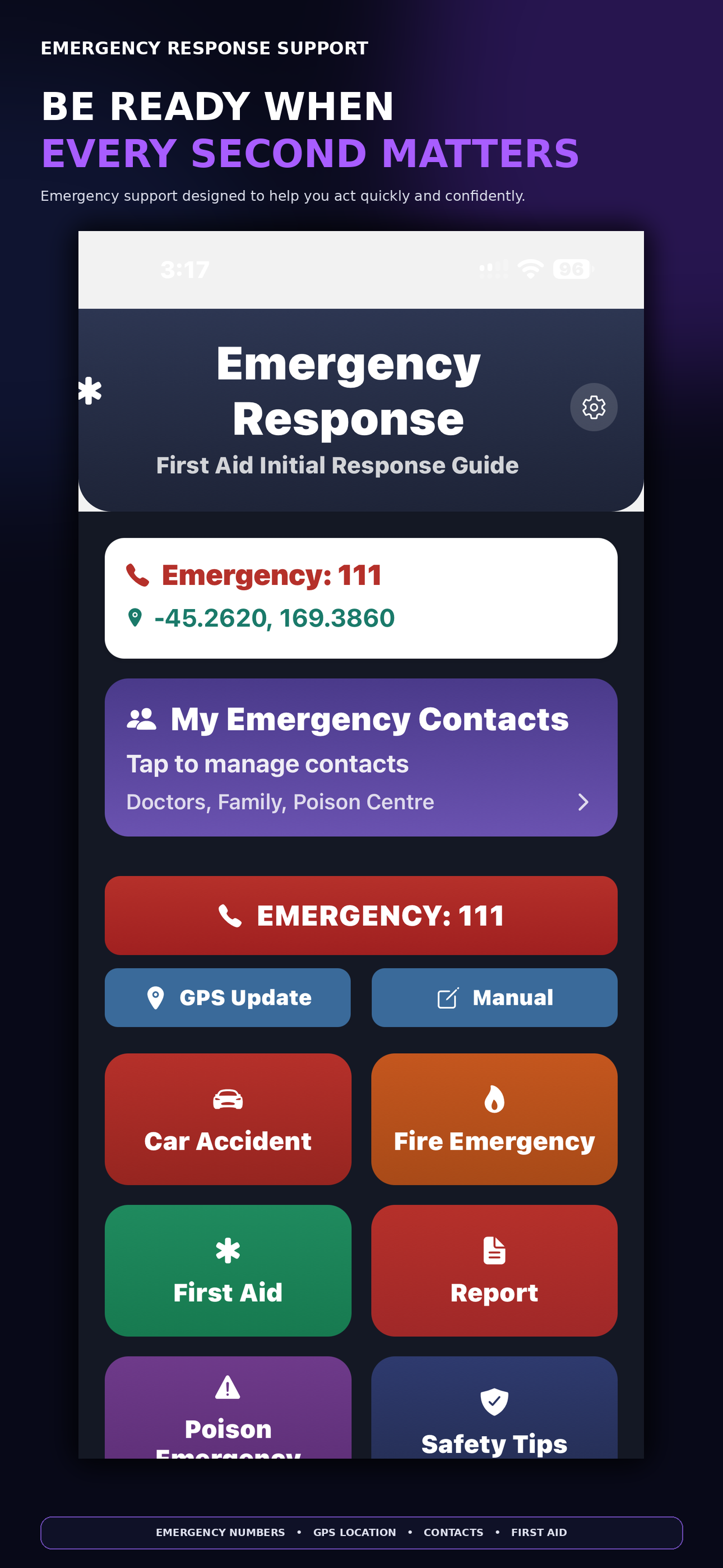
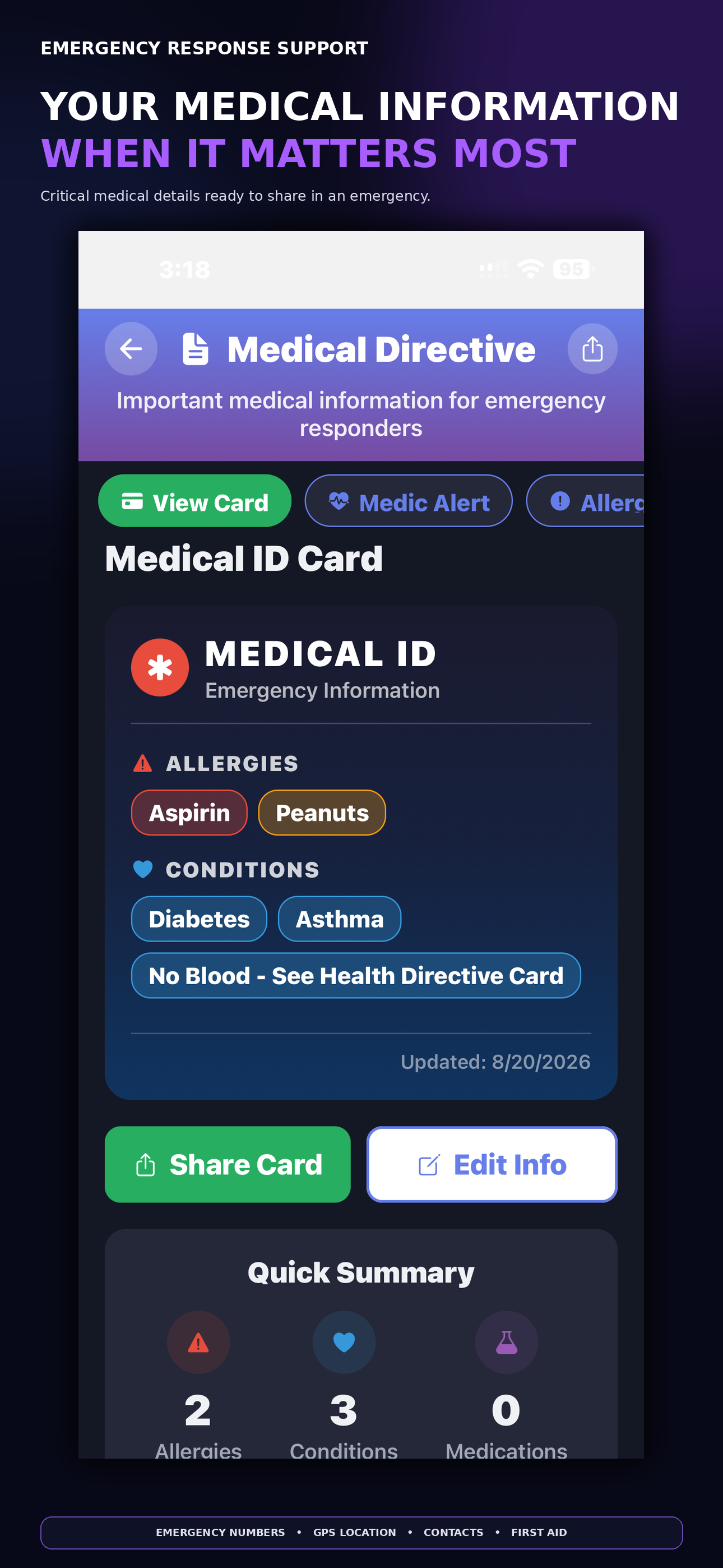
In an emergency, you shouldn't have to search through contacts, settings, websites and different apps for the information you need. Emergency Response Support brings essential emergency tools and information together in one place — helping you find what you need quickly when every second matters.
Follow clear step-by-step guidance for common emergencies so you can focus on the next action instead of searching for answers.
Quickly identify the appropriate local emergency number where supported, particularly when travelling or somewhere unfamiliar.
See Decimal, DMS and Plus Code formats even without mobile data or Wi-Fi, helping you describe your location more clearly.
Learn how GPS works without internet →Keep important medical details on your device so they are easier to access when you may not have time to search for them.
Keep family, doctors and other important contacts together so the people you may need are easier to reach under pressure.
Capture useful incident details in one place for later reference or sharing when appropriate.
A short walkthrough shows how the core emergency tools come together and keeps the experience simple when seconds matter.
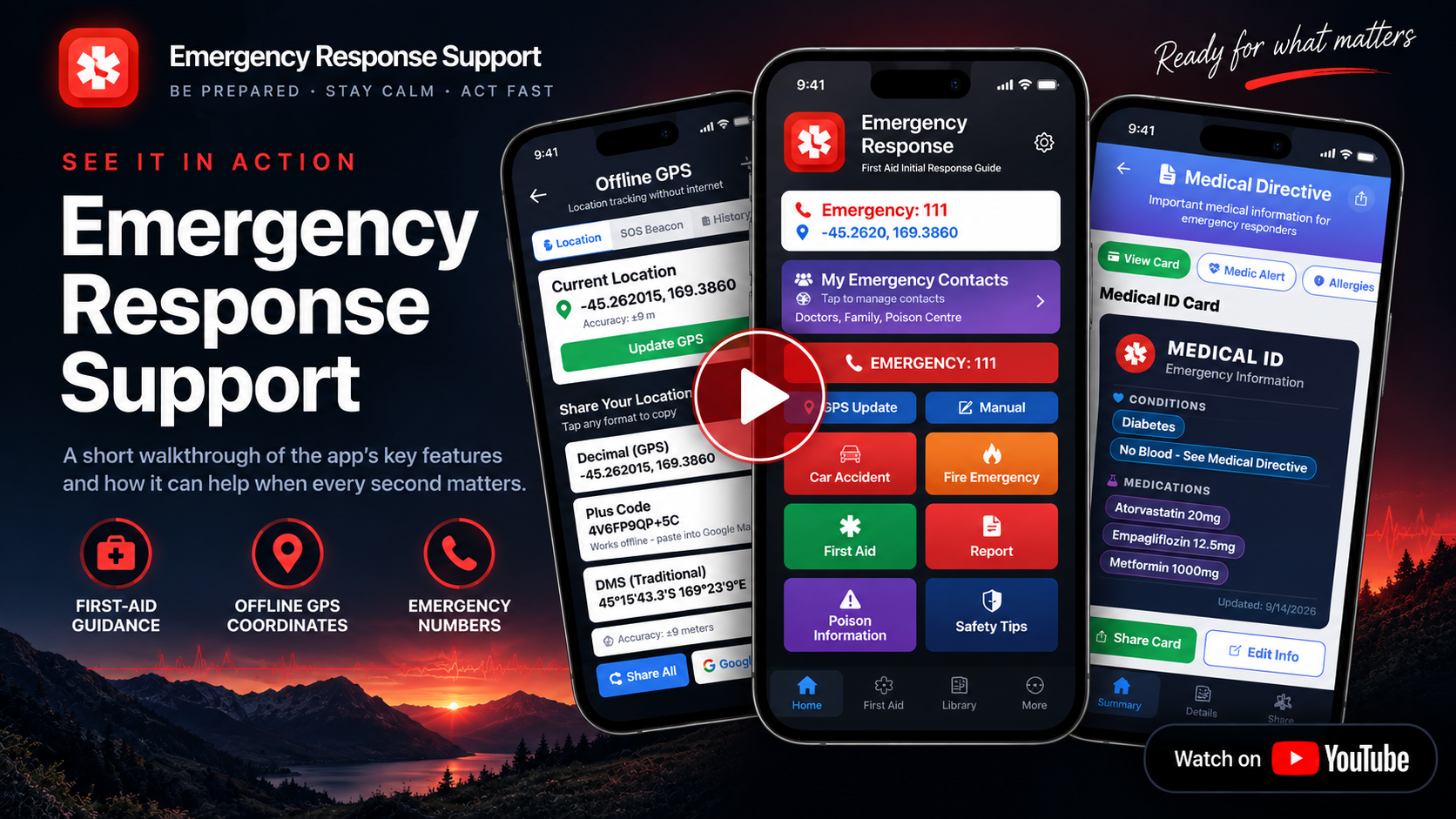
Emergency Response Support makes those coordinates easy to read and copy in several useful formats — particularly helpful when a street address or landmark is difficult to describe.
Open the app, choose the relevant emergency scenario or tool, then follow the information on screen.
Choose the emergency scenario or tool you need.
Use the clear on-screen information and next steps.
Call the displayed emergency number or relevant contact when communication services are available.
Clear expectations matter, especially with emergency tools.
Key information and GPS coordinates can be available without internet connectivity. Calling, messaging, sending a location or opening external services still depends on communication services available on your device.
The app uses location information to help identify an appropriate local emergency number where supported.
Your phone may still obtain GPS coordinates offline, but transmitting them to another person requires an available communication method.
No. The app is a support tool. In an emergency, contact the appropriate emergency service and follow professional advice when available.
Emergency numbers, first-aid guidance, offline GPS coordinates, medical information and emergency contacts — together in one app. Available on iPhone, iPad and Android.